








Ever written a long prompt for an AI, finally got the result just right, and then had to explain everything from scratch again the following week? Which sources to use, the writing style, the table layout, even the presentation colors, all typed out one more time. It feels like having an assistant who forgets how we work every Monday, haha.
Well, this is exactly where learning to create AI skills really pays off. A prompt is the request we give an AI in the moment. A skill is a working package (instructions, examples, and reference materials) that we save once and reuse again and again. So the difference isn’t about how long or short the text is; it’s about how the instructions are stored, called up, and used together with their supporting materials.
Think of it like ordering at your favorite neighborhood restaurant. The skill is the recipe and the kitchen’s standards: how much seasoning, how to cook it, and how to plate it. The prompt is today’s order: which dish, how many portions, and whether to go easy on the chili. A saved recipe makes life easier, but the kitchen still needs to know what we’re ordering.
If effective AI prompting techniques help us write one clear request, a skill stores the rules we keep repeating. In my experience, skills are most useful for work whose technical requirements stay the same even when the material changes.
A quick honest note: skill features in each AI service are still changing and can differ from one account to another. So that this doesn’t stay purely theoretical, I’ve put together eight tips to create AI skills, each with an example skill and the prompt that calls it. Let’s start with the first one.
Create AI skills around one recurring task first

The best way to create AI skills is to start with one task you repeat often and that has a clear quality standard, not with a wish for the AI to help with everything at once. Take a bakery that adds new products to its catalog every week: the bread names change, but the way the descriptions are written stays more or less the same.
First, note down three things: what material you’ll provide (input), what the AI has to do (process), and what result you want (Output). A “help with all my work” skill is far too broad to evaluate.
Example skill — bakery-catalog
- Task: write bread product descriptions for the shop’s catalog.
- Input: bread name, ingredients, weight, storage instructions, and price.
- Technical requirements: a 60–90-word description written from the shop’s point of view (“we”); prices formatted as Rp35,000; allergens taken only from the owner’s statement.
- Output: title, description, a Weight | Main ingredients | Allergens | Storage table, and a “Data not yet available” list, as an HTML draft.
- Limits: don’t invent shelf life, certifications, or health claims.
Example prompt: “Use the bakery-catalog skill for this banana bread. Weight 250 grams, price Rp35,000. Ingredients and storage instructions are attached.”
The prompt only carries today’s product data; the word count, price format, and table are already stored in the skill. For questions you rarely repeat, a regular prompt is enough.
Separate fixed rules from what changes with each request

An AI skill only needs the rules that never change, such as language, tone, format, length limits, and things that must always be checked. Things that change, like event dates, product names, or this week’s target, belong in the prompt.
If the event date gets saved in the skill, next month’s event might end up with last month’s date, haha. So learning to create AI skills also trains us to tell the difference between work standards and the work itself.
Example skill — community-caption
- Task: write social media captions for neighborhood community activities.
- Technical requirements: a friendly tone with no sarcasm; structure: opener → benefit → event details → call to action; maximum 80 words and two emojis; no texting shorthand like “u” or “pls”; two to three hashtags.
- Output: three labeled caption options, each with its word count.
- Limits: don’t guess a location or time that wasn’t given.
Example prompt: “Use the community-caption skill for this Sunday’s river clean-up, 7:00 a.m. at the village bridge. Ask residents to bring gloves. Just two options this time.”
The prompt only needs to bring the new event details and change the number of options from three to two.
Set out a workflow and quality criteria you can check

Good skill instructions take the form of a clear sequence of steps, such as read the material, pick out the key information, put the result together, then check that it fits. “Be a great tutor” sounds impressive, but it doesn’t explain what actually needs to be done.
Example skill — study-buddy
- Task: help understand one chapter of course material and practice with questions; the chapter changes every week, but the study method stays the same.
- Workflow: (1) read the material in full as the main source; (2) summarize it in 300–400 words; (3) explain 5–10 key terms; (4) give one analogy; (5) write five questions of increasing difficulty; (6) keep formulas exactly as they appear in the material.
- Output: summary, a Term | Meaning table, one analogy, and five practice questions without an answer key.
- Limits: explanations of the answers are given only after the user submits their answers.
Example prompt: “Use the study-buddy skill for the attached Chapter 3. I already understand the definitions, so focus the questions on applying the concepts.”
The result is easy to check: the summary matches the material, the formulas are still correct, and the answer key doesn’t leak. What we get is a consistent process, not a guarantee that the AI is always right.
Add examples, references, and well-defined limits

Writing samples, a glossary, and rules about what may be changed make an AI skill far more focused than adjectives like “professional.” Also explain what to imitate from those samples: the sentence style, not the content.
Example skill — manuscript-editor
- Task: edit the user’s story manuscript so it reads well, not write a new story.
- Required references: a style guide, two sample paragraphs, and an approved glossary (for example, “smartphone,” not “mobile”).
- Technical requirements: paragraphs of no more than four sentences; fix spelling according to the agreed standard; keep the point of view, character names, quotations, and ending.
- Output: a clean manuscript, a Before | After | Reason table, and a list of points to confirm.
- Limits: don’t add new experiences, characters, or events.
Example prompt: “Use the manuscript-editor skill for the attached story. The readers are young parents; make the dialogue sound more natural.”
According to the Agent Skills specification, a skill is a folder containing a SKILL.md file with a name, a description, and instructions, plus references, templates, or scripts when needed. The structure looks roughly like this:
manuscript-editor/
├── SKILL.md
└── references/
    ├── style-guide.md
    ├── sample-paragraphs.md
    └── glossary.md
---
name: manuscript-editor
description: Edit the user's manuscript following the style guide; use for editing, not for writing new stories.
---
Read references/style-guide.md and references/glossary.md before editing.
Take the description seriously, because the AI uses it to decide when to call the skill. Also keep in mind that this draft isn’t automatically installed in any AI service.
Adapt the setup for ChatGPT, Gemini, and Claude
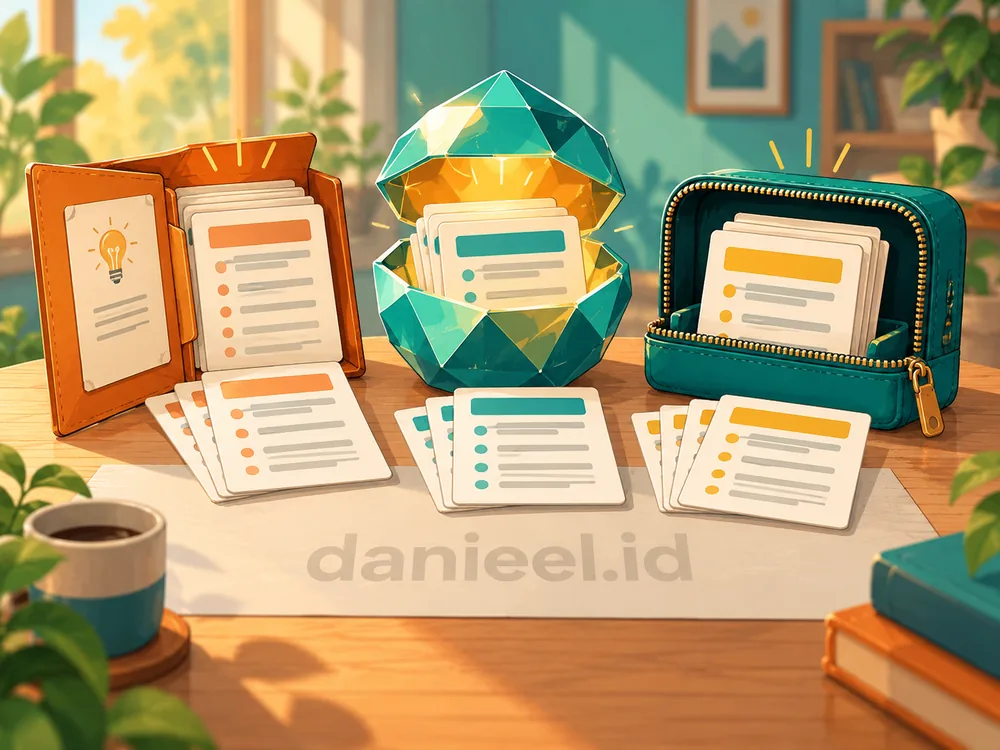
An AI skill’s design can be the same in ChatGPT, Gemini, and Claude, but how you create and call it follows each service’s own features. Mentioning a skill’s name in a prompt doesn’t automatically give the AI that skill.
A summary from the official guides of all three:
| Service | How to create | How to call it | Things to note |
|---|---|---|---|
| ChatGPT | @skill-creator in ChatGPT Work | Type @ and choose the skill | Can be picked automatically when the task matches the description |
| Gemini | Settings → Skills → Create manually | Type / followed by the skill name | Gems are being converted into skills |
| Claude | Upload a ZIP via Customize → Skills | Turn the skill on; Claude uses it when relevant | Code execution must be enabled |
In other words, the package travels well, but the way you install it needs adjusting. OpenAI’s official guide treats an instructions-only skill as the default starting point. Google’s help page says Gemini skills are now available to personal accounts for users aged 18 and over, and that Gems are converted automatically. Claude’s Skills guide requires code execution to be turned on; on Team and Enterprise plans, that setting is in the admins’ hands.
Example skill — meeting-summary
- Task: turn meeting notes into a summary and a list of follow-ups.
- Technical requirements: separate information, proposals, and decisions; summary of no more than 150 words; missing data written as “to be determined.”
- Output: summary, list of decisions, and a Task | Owner | Deadline table.
- Limits: don’t turn opinions into decisions, and don’t send the draft to participants.
Example prompt: “Use the meeting-summary skill for the attached marketing meeting notes. Highlight tasks that don’t have an owner yet.”
Pair the skill with a prompt that stays specific
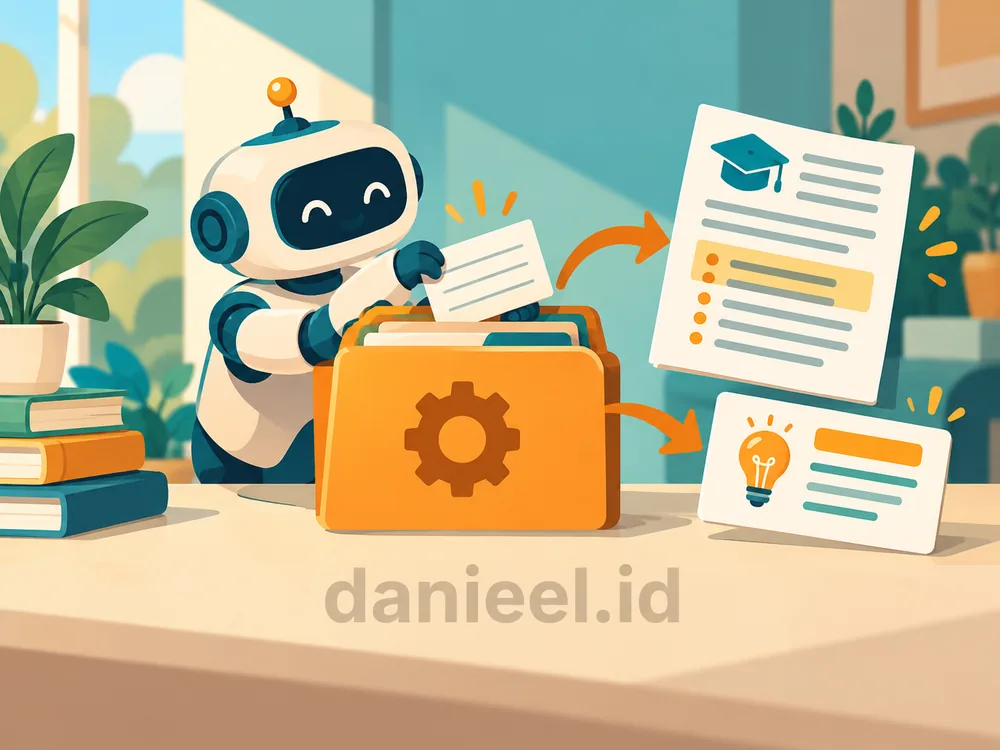
Combining a skill with a prompt works best for tasks with many technical requirements: the skill stores all the standard rules, while a short prompt names today’s data and focus. A monthly report presentation that always follows the same format is a good example. Pretty exhausting to type all that out again and again, right?
Example skill — monthly-report-presentation (a draft for a fictional business)
- Sources: the approved spreadsheet is the main source of figures; if it differs from the operational notes, ask for confirmation.
- Processing: calculate month-on-month changes only when the data is comparable; separate facts, suspected causes, and suggestions.
- Format: eight slides, no more than four points per slide; rupiah shown in millions with one decimal place (Rp125.4 million).
- Design: the
assets/report-template.pptxtemplate; a palette of navy#17324Dand green#2A9D8F; line charts for trends, bar charts for comparisons.- Checks: match the figures against the source; if the template isn’t available, say so plainly; don’t send the presentation to anyone.
Example prompt: “Use the monthly-report-presentation skill for the attached September data. The audience is the board of directors; highlight the sales drop in the eastern region.”
Next month, we just swap in the new data and focus. But the template file must actually be included, and the AI service must be able to create PPTX files. For financial reports, understanding the types of company financial statements still helps us judge whether the analysis makes sense.
Test with normal cases, missing data, and different requests

After you create AI skills, test them with three kinds of cases: complete material, incomplete material, and requests outside their scope. What matters isn’t just whether the result reads well, but also factual accuracy and whether the rules are followed.
Example skill — product-description
- Task: write online store product descriptions from the business owner’s official specifications.
- Technical requirements: title of no more than 70 characters; 80–120-word description; three benefits backed by the specifications.
- Limits: don’t invent durability, certifications, or testimonials; don’t guess the dimensions.
Example test prompt: “Use the product-description skill for this cotton bag. Its dimensions and care instructions aren’t available yet. Write a description without guessing that information.”
If the AI suddenly writes “fits a 15-inch laptop” when the size is still unknown, the result fails no matter how appealing the writing is. Recurring mistakes get fixed in the skill; missing data gets filled in through the prompt. Change one rule at a time, then test again.
Maintain the skill, protect data, and keep a human check

An AI skill needs the same care as any working document: a version number, an update date, and a change log, plus an update whenever the format or template changes. We don’t want a fast process built on standards that are already out of date.
Example skill — service-report
- Task: turn anonymized customer complaint notes into a weekly report.
- Technical requirements: group complaints by theme, sort them from the most cases down, and separate complaints from verified findings.
- Output: a summary of no more than 100 words and a Theme | Number of cases | Verification status | Suggestion table, labeled “DRAFT – for review.”
- Limits: don’t copy phone numbers, addresses, or customer identities; don’t publish the report.
Example prompt: “Use the service-report skill for this week’s anonymized notes. Focus on late deliveries; prepare a draft for Friday’s meeting.”
For skills you plan to share, use dummy data and never store passwords or OTPs in them. With skills made by other people, read their instructions and scripts first. The habit of securing your digital accounts still matters.
Finally, check and double-check. A skill keeps standards consistent, but it doesn’t guarantee the AI is always right, so we still need to filter the facts and figures ourselves, just as we do when dealing with online hoaxes.
Frequently Asked Questions
What is the difference between an AI skill and a prompt?
A prompt is a one-time request for a need in the moment, while a skill is a package of instructions, examples, and reference materials saved for repeated use. The two complement each other.
Do you need to know how to code to create AI skills?
No. To create the simplest AI skills, all you need is a SKILL.md file with a name, a description, and instructions in plain language. Scripts are only needed for technical tasks such as processing data.
Can one skill be used in ChatGPT, Gemini, and Claude?
The instructions can be reused because the SKILL.md folder format is open. However, the way you upload and call a skill, and the tools it supports, differ from service to service, so a skill still needs to be retested after it’s moved.
How long should a SKILL.md file be?
The Agent Skills specification recommends keeping SKILL.md under 500 lines. Long examples or style guides are better stored in the references folder, so the AI reads them only when needed.
Closing: Save the Recipe Once, Order What You Need

In short, to create AI skills is to choose one recurring task, separate fixed rules from daily needs, set out a workflow you can check, add examples and limits, install it to suit each service, call it with a specific prompt, test it, and then look after it carefully.
Just like our favorite restaurant, the recipe only needs saving once, while the order can change every day. Start small: write down the rules you retype most often this week, then turn them into your first skill. Who knows, next month we might thank ourselves for not having to explain the same thing all over again.
Of all your routine tasks, which one most deserves to become your first skill? Share it in the comments; your idea might just help another reader.
Happy experimenting, and stay critical. I hope this helps.
This post is also available in: